
Anúncios
GPS Apps – Your Ultimate Guide to Modern Navigation
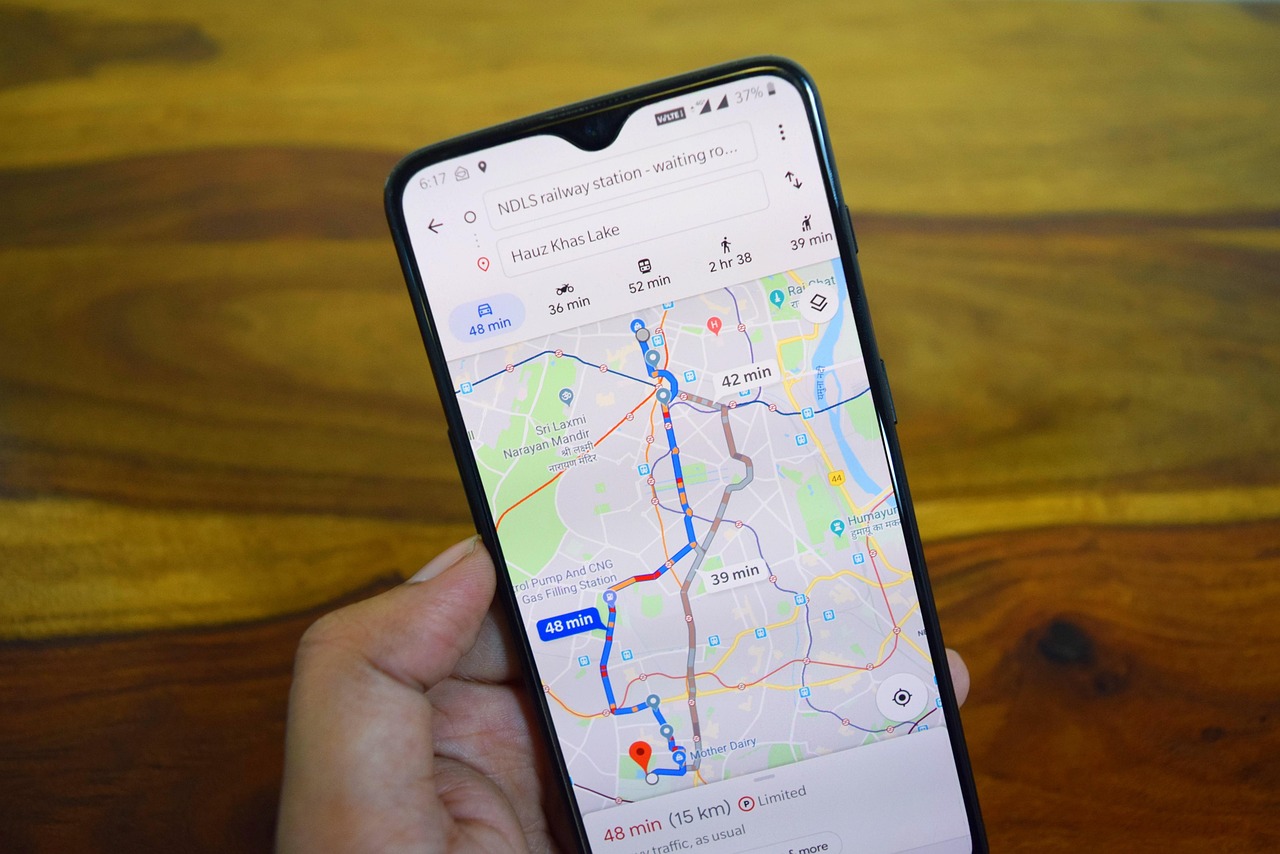
GPS apps have revolutionized how we navigate, transforming smartphones into powerful navigation tools that guide millions of users daily across the globe.
Anúncios


Gone are the days when paper maps and written directions were our only companions on the road. Today’s GPS applications combine satellite technology, real-time data, and community insights to deliver accurate, efficient navigation experiences. Whether you’re commuting to work, exploring a new city, or embarking on a cross-country road trip, these digital companions have become indispensable.
The evolution of GPS technology has created an ecosystem where navigation apps compete to offer the best features, accuracy, and user experience. From traffic updates to alternative routes, voice-guided directions to offline maps, modern GPS apps pack incredible functionality into pocket-sized convenience. Let’s explore everything you need to know about these essential tools.
Anúncios
🌍 Understanding How GPS Apps Actually Work
GPS applications rely on a sophisticated network of satellites orbiting Earth, constantly transmitting signals that your smartphone receives. When your device picks up signals from at least four satellites, it can calculate your precise location through a process called trilateration. This technology, once exclusive to military applications, now powers the navigation tools we use daily.
Modern GPS apps enhance basic satellite positioning with additional data sources. They integrate cellular tower triangulation, Wi-Fi positioning, and accelerometer data to improve accuracy, especially in urban environments where tall buildings can interfere with satellite signals. This multi-layered approach ensures you receive reliable location information even in challenging conditions.
The real magic happens when GPS apps combine your location data with extensive mapping databases. These applications access cloud-based map information containing millions of roads, points of interest, traffic patterns, and geographical features. The constant synchronization between your device and these databases ensures you always have access to the most current navigation information available.
📱 Top Features That Define Excellent GPS Applications
The best GPS apps distinguish themselves through a combination of essential and innovative features. Real-time traffic updates stand among the most valuable capabilities, allowing you to avoid congestion and adjust your route dynamically. These updates come from various sources including road sensors, anonymous user data, and traffic reports, creating a comprehensive picture of current road conditions.
Voice-guided navigation transforms your smartphone into a personal driving assistant. Clear, timely audio instructions let you keep your eyes on the road while receiving turn-by-turn directions. Advanced apps even adjust their guidance based on your speed, ensuring you receive warnings with appropriate timing whether you’re driving on highways or navigating narrow city streets.
Offline maps capability has become increasingly important for travelers and those exploring areas with limited connectivity. Downloading map data beforehand ensures uninterrupted navigation even when cellular service becomes unavailable. This feature proves particularly valuable during international travel, where data roaming costs might otherwise make continuous GPS usage prohibitively expensive.
🎯 Customization Options That Enhance Your Experience
Personalization features allow GPS apps to adapt to individual preferences and needs. Route customization options let you specify preferences such as avoiding tolls, highways, or ferries. Some applications even learn from your driving habits, suggesting frequently visited destinations and optimal departure times based on typical traffic patterns.
Visual customization extends beyond aesthetics to improve practical usability. Night mode reduces screen brightness and switches to darker color schemes, preventing glare during evening drives. Map perspective options allow you to choose between north-up orientation or heading-up views, depending on your navigation style and comfort level.

🚗 Comparing Popular GPS Navigation Apps
Google Maps dominates the navigation landscape with its comprehensive features and extensive database. The application excels in providing detailed information about businesses, landmarks, and points of interest. Its integration with Google’s ecosystem enables seamless connectivity with other services, from searching destinations to sharing locations with contacts. The Street View feature offers virtual exploration capabilities, helping you familiarize yourself with destinations before arrival.
Waze takes a community-driven approach, building its strength on user-generated reports about traffic conditions, accidents, police presence, and road hazards. This crowdsourced information creates a dynamic, constantly updated navigation experience where drivers actively contribute to helping each other. The social aspect extends to features like coordinating arrival times with friends and sharing your ETA with others.
Apple Maps has evolved significantly since its rocky launch, now offering robust navigation capabilities tightly integrated with iOS devices. The application provides beautifully rendered 3D maps, detailed transit directions in supported cities, and seamless integration with Siri for hands-free operation. Its privacy-focused approach appeals to users concerned about data collection, as Apple emphasizes on-device processing and anonymized location data.
🗺️ Specialized Navigation Apps for Specific Needs
Beyond mainstream options, specialized GPS apps cater to specific activities and preferences. Hiking and outdoor recreation apps like AllTrails focus on trail maps, elevation profiles, and offline capabilities suited for wilderness exploration. These applications include features like waypoint marking, route recording, and topographic map overlays that general navigation apps typically lack.
Truck and RV navigation apps address unique requirements for large vehicle operators. They incorporate height restrictions, weight limits, bridge clearances, and hazardous material routing into their calculations. These specialized tools help professional drivers and recreational vehicle enthusiasts avoid roads unsuitable for their vehicles, preventing potentially dangerous or costly situations.
⚡ Maximizing Battery Life While Using GPS Apps
GPS navigation is notoriously demanding on smartphone batteries, but several strategies can extend your device’s runtime during extended trips. The continuous use of GPS receivers, screen illumination, and data connectivity creates significant power drain. Understanding and managing these factors makes the difference between reaching your destination with power to spare or facing a dead battery.
Screen brightness represents one of the largest battery consumers during navigation. Most GPS apps offer automatic brightness adjustment, but manually reducing screen brightness to the minimum comfortable level can substantially extend battery life. Consider using audio-only navigation when you know the route well, allowing you to turn off the screen entirely while still receiving voice guidance at key decision points.
Downloading offline maps eliminates the constant data connection requirement, significantly reducing battery consumption. When planning trips through areas with reliable cellular coverage, consider using Wi-Fi-only mode to prevent background data usage by other apps. Enabling battery saver modes in your GPS app, which typically reduce screen refresh rates and limit background processes, can extend usage time by 20-30%.
🔒 Privacy Considerations When Using GPS Applications
Location tracking inherent to GPS apps raises legitimate privacy concerns that users should understand and address. These applications collect substantial data about your movements, destinations, and travel patterns. While this information enables valuable features like commute predictions and personalized recommendations, it also creates detailed profiles of your daily activities.
Most reputable GPS apps offer privacy controls allowing you to manage what data gets collected and shared. Location history can typically be paused, reviewed, or deleted through app settings. Understanding these controls and configuring them according to your comfort level helps balance the convenience of personalized features against privacy preferences.
Reading privacy policies might seem tedious, but understanding how your chosen GPS app handles location data is crucial. Some apps anonymize and aggregate data before using it for traffic analysis, while others may share identifiable information with third parties. Consider using apps from companies with strong privacy commitments if data protection ranks high among your priorities.
🌟 Advanced Tips for Power Users
Experienced GPS app users leverage lesser-known features to enhance their navigation experience. Multi-stop route planning allows you to efficiently organize errands by optimizing the sequence of destinations. This capability proves particularly valuable for delivery drivers, sales professionals, and anyone juggling multiple appointments across town.
Saved locations functionality extends beyond simply bookmarking your home and work addresses. Create custom lists for favorite restaurants, client locations, hiking trailheads, or vacation spots you’d like to visit. Organizing destinations into categories makes future navigation faster and helps you discover new places when you’re in unfamiliar areas.
Timeline features available in some GPS apps create automatic records of your travels, showing where you’ve been and routes you’ve taken. This functionality serves practical purposes like reconstructing business trip expenses, remembering great vacation spots, or simply reminiscing about past adventures. You can usually edit or delete entries to maintain accuracy and privacy.
🔧 Troubleshooting Common GPS App Issues
Inaccurate location tracking often stems from environmental factors or device settings. Tall buildings, dense tree coverage, and indoor locations can interfere with satellite signals, causing position errors. Enabling high-accuracy mode in your device settings, which combines GPS with Wi-Fi and cellular data, typically resolves these issues by providing additional positioning data sources.
Slow route calculation or app performance issues might indicate outdated software or insufficient device memory. Regularly updating both your GPS app and device operating system ensures you have the latest performance optimizations and bug fixes. Clearing cached data periodically frees up storage space and can resolve sluggish behavior, though you’ll need to re-download offline maps afterward.
Voice guidance problems, including missing instructions or incorrect volume levels, usually respond to simple fixes. Check that your device volume is appropriately set and that navigation audio isn’t muted within the app. Some GPS applications offer separate volume controls for navigation instructions, allowing you to balance guidance volume against music or phone calls.
🌐 The Future of GPS Navigation Technology
Augmented reality (AR) integration represents the next frontier in GPS navigation. Emerging implementations overlay directional arrows and destination markers directly onto live camera views of your surroundings, making navigation more intuitive, especially for pedestrians in complex urban environments. This technology bridges the gap between digital maps and physical reality, reducing the cognitive effort required to translate abstract directions into real-world movements.
Artificial intelligence continues enhancing GPS apps through predictive routing and personalized suggestions. Machine learning algorithms analyze historical traffic patterns, weather conditions, and special events to forecast optimal departure times and routes. These systems grow more accurate as they accumulate data, eventually offering navigation advice that anticipates your needs before you explicitly request directions.
Electric vehicle integration is transforming GPS apps into comprehensive trip planners for EV owners. Advanced applications now calculate routes incorporating charging station locations, estimate energy consumption based on terrain and driving style, and predict battery levels at destinations. This specialized functionality addresses range anxiety and makes long-distance electric vehicle travel more practical and stress-free.
💡 Making the Right GPS App Choice for Your Needs
Selecting the ideal GPS application depends on your specific requirements, priorities, and usage patterns. Frequent urban drivers might prioritize real-time traffic updates and alternative route suggestions, making community-driven apps particularly valuable. Rural travelers and outdoor enthusiasts benefit more from robust offline capabilities and detailed topographic information that general-purpose apps might lack.
Consider your device ecosystem when choosing a GPS app. iPhone users enjoy seamless integration with Apple Maps and Siri, while Android users might find Google Maps’ deep system integration advantageous. Cross-platform consistency matters if you regularly switch between devices or share navigation with family members using different phones.
Privacy preferences should influence your decision alongside functional requirements. If data protection concerns you deeply, research each app’s privacy policies and available controls. Some applications offer excellent navigation capabilities while collecting minimal personal information, providing peace of mind alongside practical utility. Test multiple options to find the balance between features and privacy that works best for you.
🎓 Educational Resources for Mastering GPS Apps
Many GPS app developers provide comprehensive tutorials, help articles, and video guides explaining advanced features and best practices. Investing time in these educational resources unlocks capabilities you might otherwise overlook. Most major apps offer in-app tips that appear contextually, teaching you features as relevant situations arise during normal usage.
Online communities and forums dedicated to specific GPS applications connect users sharing tips, troubleshooting advice, and hidden feature discoveries. These communities often identify creative uses and workarounds that official documentation doesn’t cover. Participating in these discussions accelerates your learning curve and keeps you informed about app updates and new capabilities.
YouTube channels specializing in technology tutorials offer visual, step-by-step demonstrations of GPS app features. Video format particularly helps when learning complex procedures like offline map management or advanced route customization. Watching someone perform tasks while explaining their approach often clarifies concepts that written instructions leave ambiguous.
🚀 Embracing Navigation Technology in Daily Life
GPS apps have transcended their original purpose of simply getting from point A to point B. They now serve as comprehensive travel companions, local discovery tools, and personal mobility assistants. Exploring nearby restaurants, finding parking, checking business hours, reading reviews, and sharing your location with friends all integrate seamlessly into modern navigation experiences.
The accessibility improvements these applications enable shouldn’t be overlooked. People with disabilities benefit from features like wheelchair-accessible route options, transit accessibility information, and detailed indoor maps of public buildings. Voice guidance helps visually impaired users navigate independently, while clear visual instructions assist those with hearing impairments.
As GPS technology continues evolving, these applications will become even more integral to how we move through and interact with our world. Staying informed about new features, privacy developments, and emerging alternatives ensures you’re always using the best tools available. The small investment of time spent understanding and optimizing your GPS app pays dividends in saved time, reduced stress, and enhanced travel experiences for years to come.
